Call notes,
already written.
aftercalls captures both sides of every call, writes a transcript and summary that knows who said what, and files it into your team's shared archive — within minutes of you hanging up.
01 · Capture
Both sides of any call, two clean tracks.
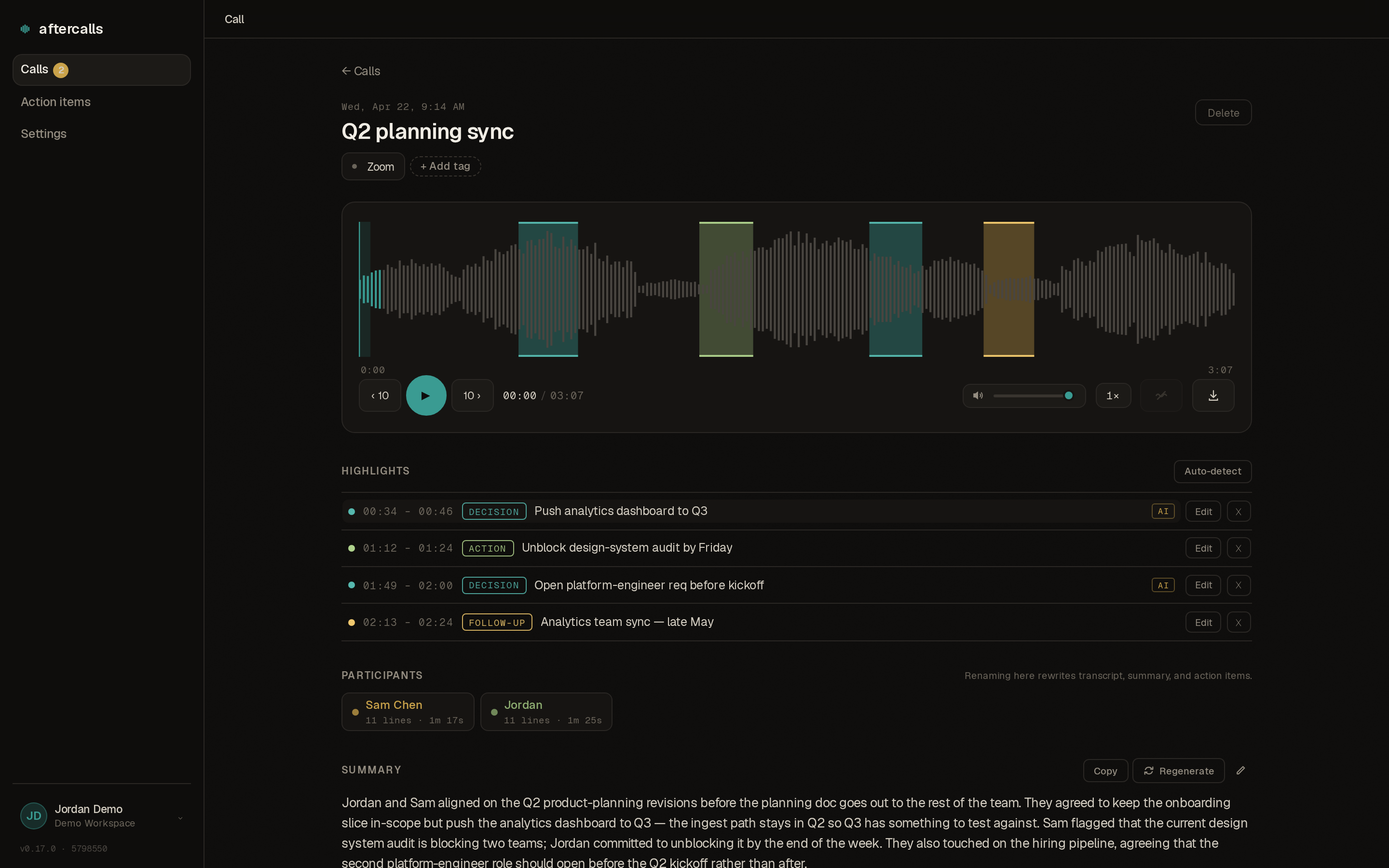
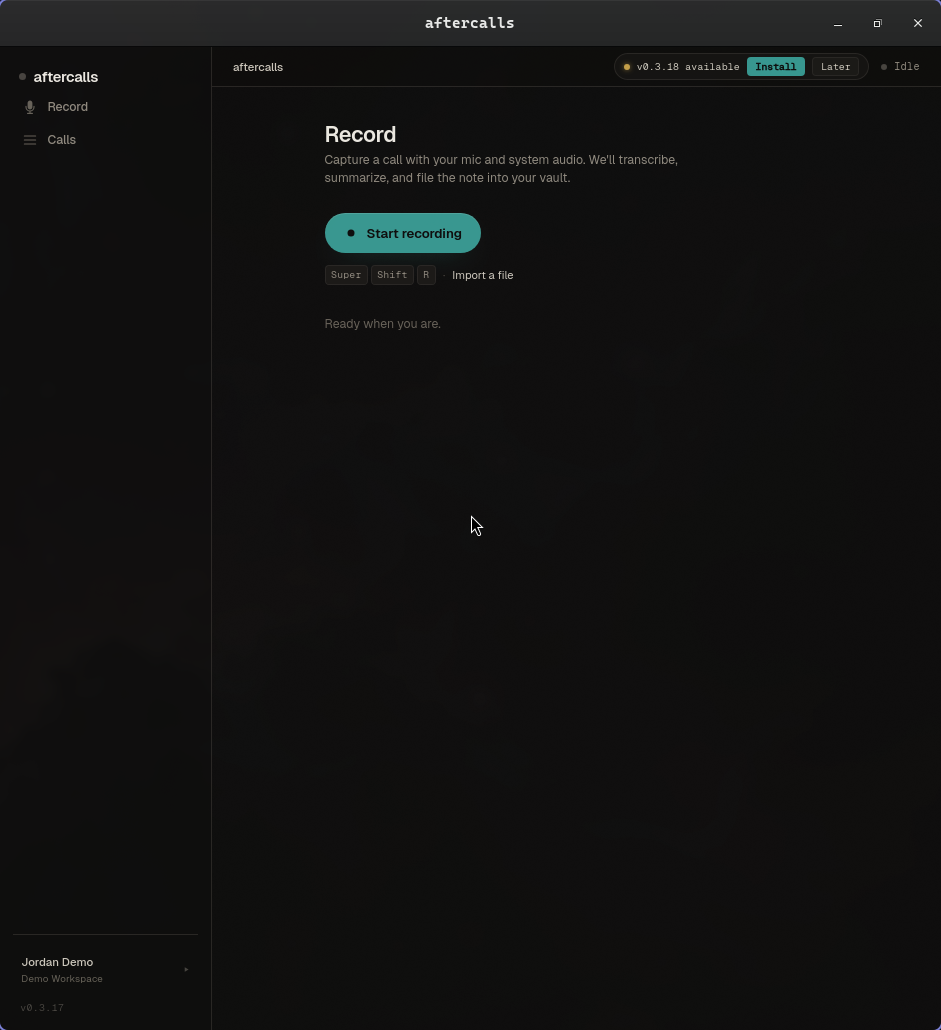
The desktop agent runs alongside whatever you use to take calls — Zoom, Teams, a softphone, a regular phone the computer's mic picks up. Microphone and system audio land as separate channels, so the transcript can label each speaker on the right side of the call.
No plugins. No browser extensions. Auto-detect notices when a call app starts using your mic and offers to record — but nothing happens until you click Start.
02 · Transcribe + summarize
Speaker-labelled, paste-ready.
Each voice on the call gets its own track. Rename a speaker once and every mention of them updates — the transcript, the summary, the action items. The whole record reads with real names without a second pass.
The summary is third-person, with everyone named. Paste it straight into a recap email or internal note. Action items come out as a checklist, short, attributed where the call makes that clear.
03 · File
Every call your team has had, in one place.
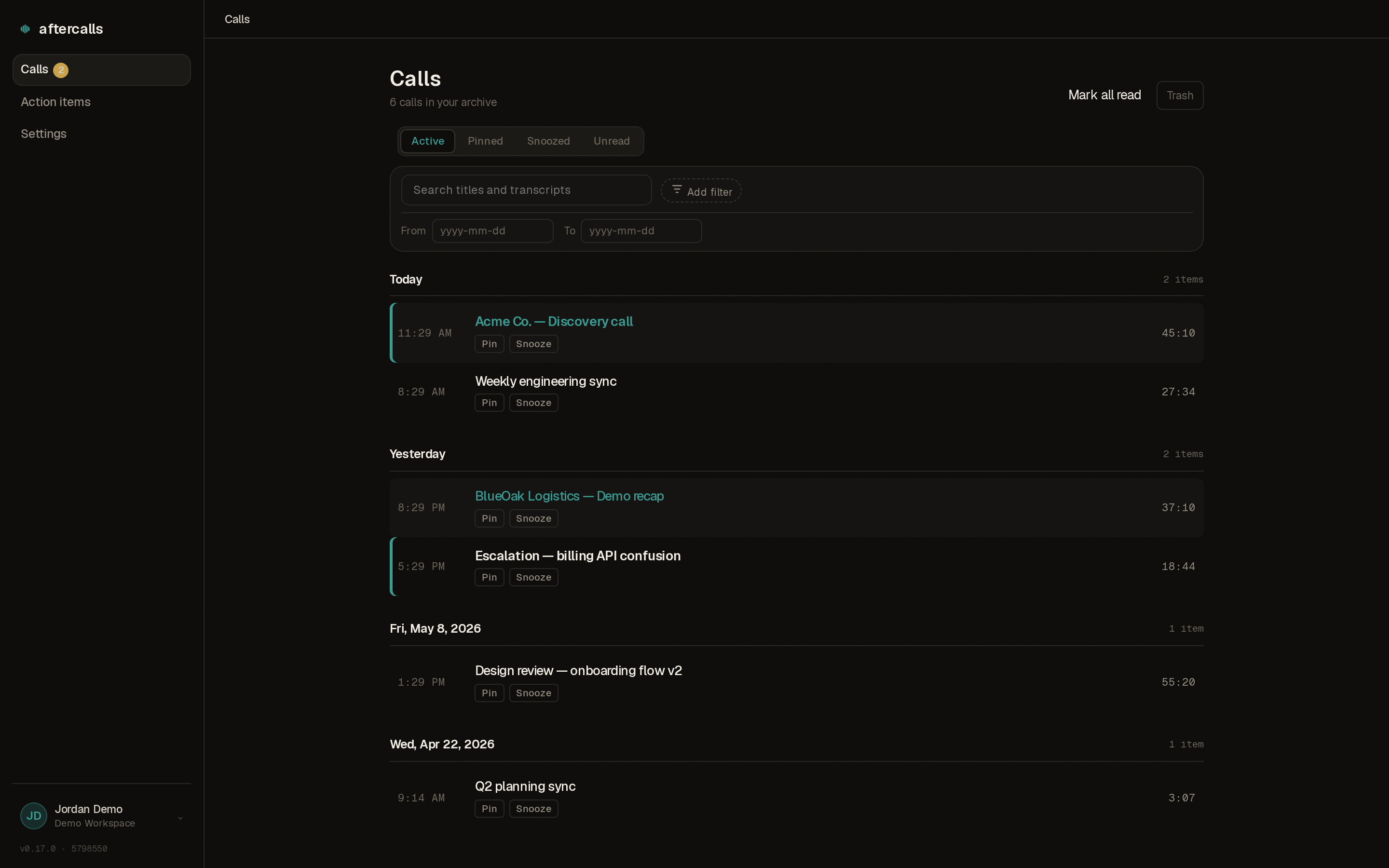
Calls land in the shared archive, organized by day. Filter by
tag, customer, meeting type, speaker, or date. Save the
filter sets you run weekly. Press ⌘K
to jump anywhere by name.
The unread indicator next to each row tells you which calls your teammates recorded that you haven't read yet. Share read-only links with optional expiry. Audit trail on every non-owner read.
04 · Integrate
Goes where your team already lives.
If your sales team lives in Zoho CRM, every call your reps record lands on the matching deal as an activity entry — transcript, summary, action items, link back to the audio, pushed within seconds of the call wrapping. We find the right deal automatically by matching participants to contacts.
Outbound webhooks fire on every action item created or completed. HubSpot, Salesforce, Pipedrive on the request queue — if any of those matter to your team, tell us and they move up.
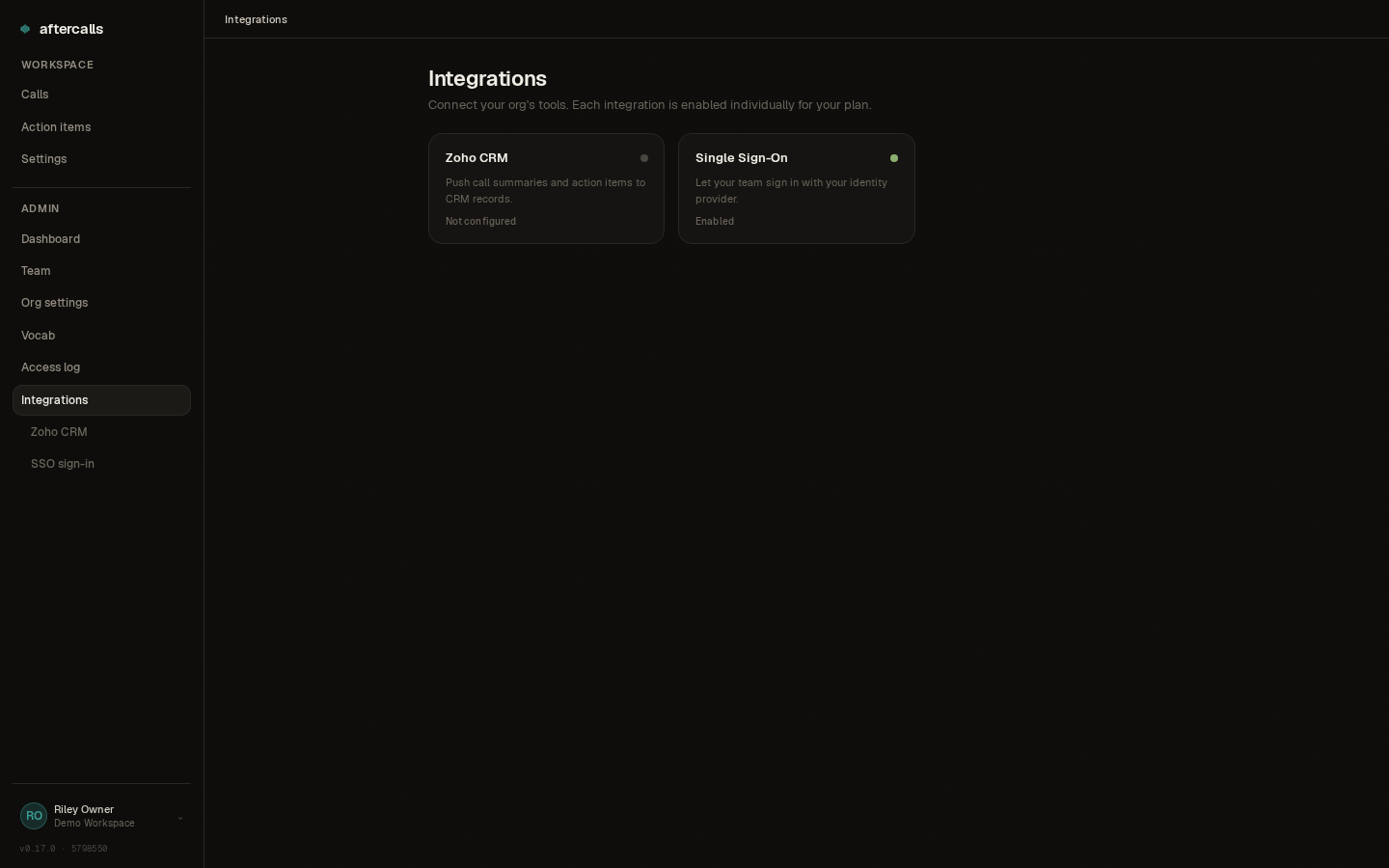
Windows and Linux both get the same recorder, the same pipeline, and the same archive. Grab the installer for whatever your team actually runs — nobody is stuck with the cut-down version. A Mac build is in development; the web portal already works there.
From "Stop recording" to a complete record in your archive: transcript, summary, action items. Usually faster.
Follow-ups don't stay buried in a summary. Every one your calls produce collects on a single page, with due dates and — on team plans — an owner. Filter by teammate or customer, and tick them off in place.
Common questions
Before you ask.
Where does my data live?
Recordings and transcripts live on Canadian cloud infrastructure in the Toronto region. During processing, audio is briefly transmitted to U.S.-based AI sub-processors under contractual no-retention and no-training obligations. The full data flow lives on the security page.
Do you train AI models on my calls?
No. The contents of your calls are never used to train anything, and we don't sell your data to anyone. The AI services we rely on are contractually set up not to retain your audio or transcripts after processing.
Is it legal to record calls with aftercalls?
It depends on where everyone on the call is. The short version: you are responsible for complying with the rules that apply to your calls. aftercalls doesn't ask for consent on your behalf, but the agent has a recording-notice setting that does. See the full jurisdiction guide for Canada, US, EU/UK, and elsewhere.
How much does it cost?
Pricing is per seat, per month: Solo is CA$15 per seat, Team is CA$30 per seat, billed monthly in CAD or USD with one invoice for the whole org. Every plan starts with a 14-day free trial — no credit card required. See the pricing page for the full breakdown.
Can I export or delete my data?
Yes. Delete individual calls from inside the app — deleted calls go to a recycle bin for 30 days and then disappear for good, audio included. For a full account export or immediate hard-delete, email hello@aftercalls.io.
The next call you take is the one you'll wish you'd recorded.
Create your account and start recording in minutes. Every plan begins with a free 14-day trial — no credit card required.